
When your business outgrows Tally and Excel
Tally keeps your accounts right, but orders, stock and approvals often end up in Excel and WhatsApp. Here are the signs you have outgrown that setup, and three ways forward.
· Sandeep Mittal
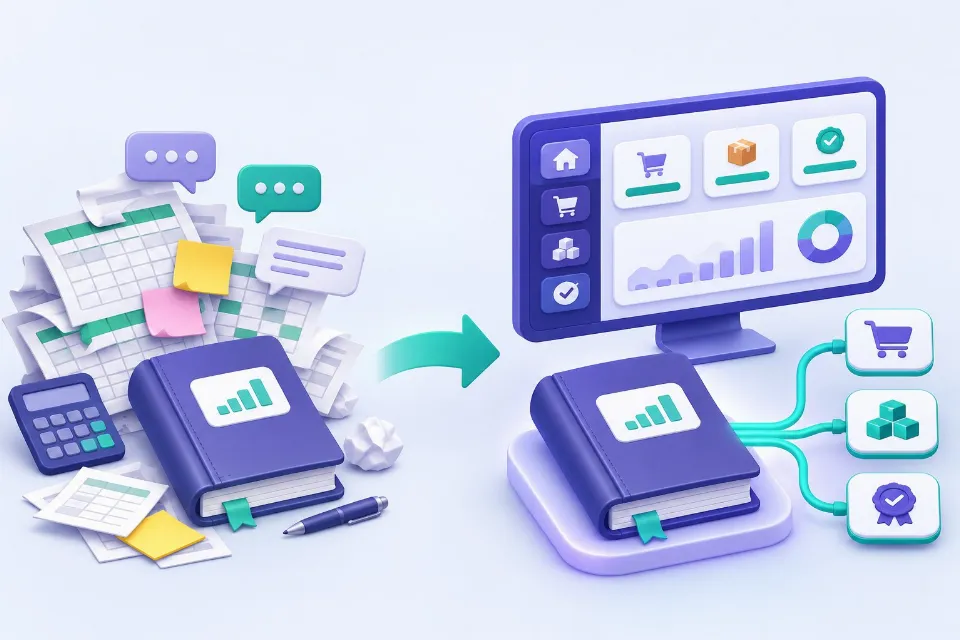
Most growing Indian businesses run on two tools: Tally for accounts and GST, and Excel for everything else. It works well for years. Then one day the month-end takes a week, two spreadsheets disagree, and nobody is sure which order has been dispatched.
That usually does not mean Tally has failed. It means the business has grown work around Tally that Tally was never meant to hold.
Tally is rarely the problem
Tally is very good at what it does: vouchers, ledgers, GST returns, TDS and statutory reports. Your accountant knows it and trusts it. The trouble starts with the work that happens before an entry reaches Tally: enquiries, quotations, orders, production, stock movements, dispatch, approvals, dealer and customer follow-ups. That work ends up in Excel sheets, WhatsApp groups and people's memory.
Signs you have outgrown the setup
- The same order is typed into Excel, then into Tally, and sometimes into a courier website as well.
- Different people keep their own copies of the same sheet, and nobody knows which is current.
- You cannot see today's stock, pending orders or overdue payments without asking someone.
- Approvals for discounts, purchases or credit happen on WhatsApp and get lost.
- Month-end and GST filing need days of collecting and checking data.
- Only one or two people understand how the sheets work, and the business stops when they are away.
- Customers or dealers call to ask for order status because they cannot see it themselves.
If three or more of these sound familiar, it is worth looking at the options.
Three ways forward
1. Extend Tally. Tally can be customised with add-ons, and many partners build extra reports and screens on top of it. This suits you if most of the problem is inside accounting and inventory, and your team is happy working in Tally all day. It is less suited to work done by people outside the accounts team, such as sales staff, dealers or customers.
2. Move to a ready-made ERP. Products such as Zoho, ERPNext, Odoo or SAP Business One cover accounting, inventory, sales and purchase in one system. This suits you if your processes are close to standard and you are ready to change some of them to fit the software. Plan for data migration, training and per-user costs.
3. Build a system around your process, and keep Tally for accounts. A custom system handles the work before accounting: enquiries, quotations, orders, production, dispatch, dealers and approvals, exactly the way your business runs them. Finished entries such as sales invoices and receipts are then sent to Tally, so your accountant keeps working as before. Tally can exchange data with other software, which is what makes this practical. This suits you when your process is what sets you apart, or when many people outside the accounts team need to use the system.
How to decide
Ask yourself:
- Is the problem mainly in accounts, or in the work around them?
- How many people need the system, and are some of them outside the office (sales staff, dealers, customers)?
- Is our process standard for our industry, or is it part of why customers choose us?
- Are we willing to change how we work to fit a product, or should the software fit us?
- What would it cost us in time and mistakes to carry on as we are for another year?
There is no single right answer. Many businesses start with the most painful area, such as orders or dispatch, and replace one spreadsheet at a time.
How we help
We build custom web applications and ERPs around how a business actually works, including ordering portals for dealers and distributors, and we connect them to the accounting software you already use. If a ready-made product is the better fit for you, we will say so. Book a call and tell us which spreadsheet you would most like to retire.
More insights

Compliance calendar on a CA firm website: what to include
What a compliance calendar on a CA firm's website should show, how to keep it accurate when due dates are extended, and how to send reminders within ICAI's rules.
Read articleICAI website guidelines for CA firms (2026): what is allowed
What ICAI's Code of Ethics 2026 allows on a CA firm's website, what is still not allowed, and what changed from the 2020 advisory, with section references.
Read articleHow much does a CA firm website cost in India in 2026?
What a CA firm website really costs in India in 2026, what each kind of provider includes, and the yearly costs people forget to ask about.
Read articleHave a question about this?
Ask us. We are happy to talk it through, with no obligation.